



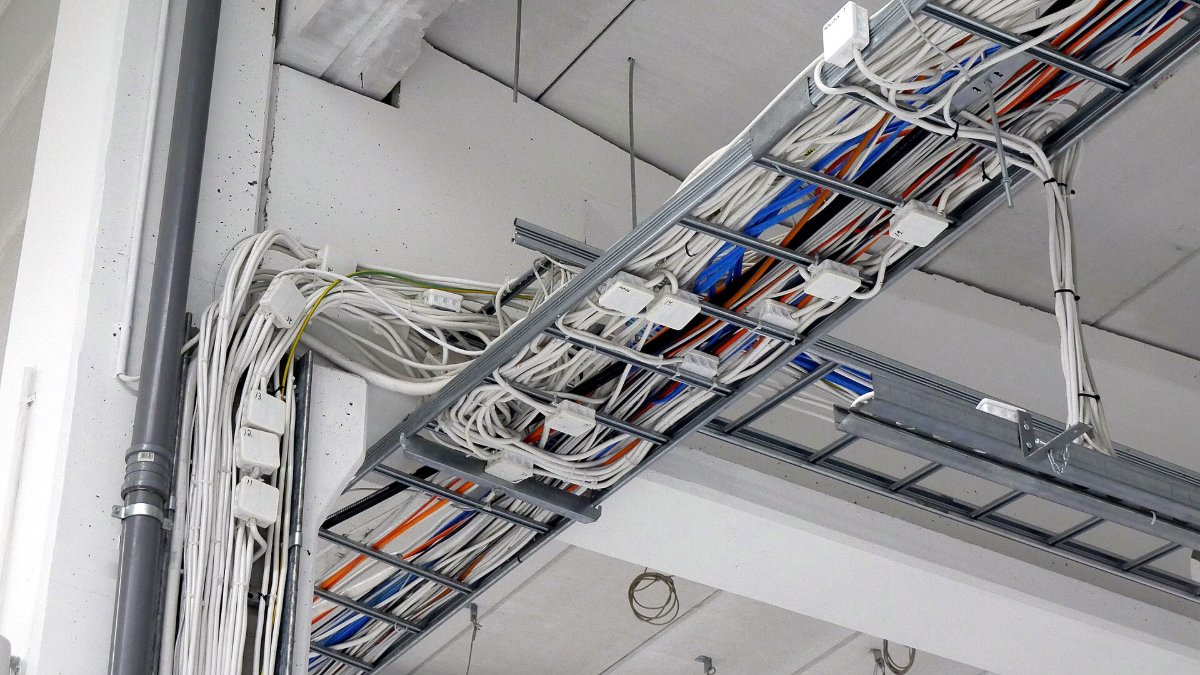
Good zip tie cable management comes down to four habits: bundle leads that travel together, tie them snug but not tight, label each run, and fix the bundle to something so it cannot sag. Do that and a desk, rack or switchboard stays tidy and easy to work on.
Here is how to do it at home and on the job, with the zip tie that suits each setting.
Which zip ties to use for cables
| Setting | Zip tie |
|---|---|
| Desk, TV and chargers | 2.5mm x 100mm or 150mm, black or white to match the wall |
| Inside a PC | 2.5mm small ties, which usually fit through case tie points |
| Data racks and patch leads | 2.5mm or 3.6mm, with zip tie markers to label runs |
| Switchboards and power looms | 4.8mm white or black ties, markers on each circuit |
| Leads you change often | Releasable zip ties |
| Power and data side by side | Double head zip ties: two heads keep the runs apart |
Not sure of the length? Wrap a piece of string around the bundle, add room for the tail, and check our zip tie sizes guide.
Behind the desk and TV
- Unplug and sort. Group leads by where they go: monitor, computer, speakers, chargers.
- Bundle each group. A 2.5mm tie every 30cm or so. Leave a little slack at each device so plugs are not strained.
- Fix the bundle. Stick zip tie mounts under the desk or along the back of the TV unit and thread ties through them, so the bundle does not hang to the floor. See how to attach zip ties to a wall.
- Coil the spare. Loop excess length and hold it with one tie, or a releasable tie if you might need the length later.
- Label the plugs. A marker tie near each plug at the power board saves guessing which lead to pull.
Inside a PC
- Route behind the tray first. Most cases have tie points behind the motherboard tray. Run cables there and tie them flat.
- Use small ties. 2.5mm ties usually fit through tie points and hold power and fan cables without bulk.
- Keep airflow clear. Bundle cables away from fans and the front intake.
- Cut flush. Sharp tails inside a case scratch hands and cables. Trim them flush against the head.
- Leave room to upgrade. Use releasable ties on the runs you change, such as GPU and drive cables.
Data racks, switchboards and site work
On the job, neat cabling is about the next person who has to work on it.
- Light tension on data. Pull ties just snug on patch leads and network cables. Crushing them can damage the cable.
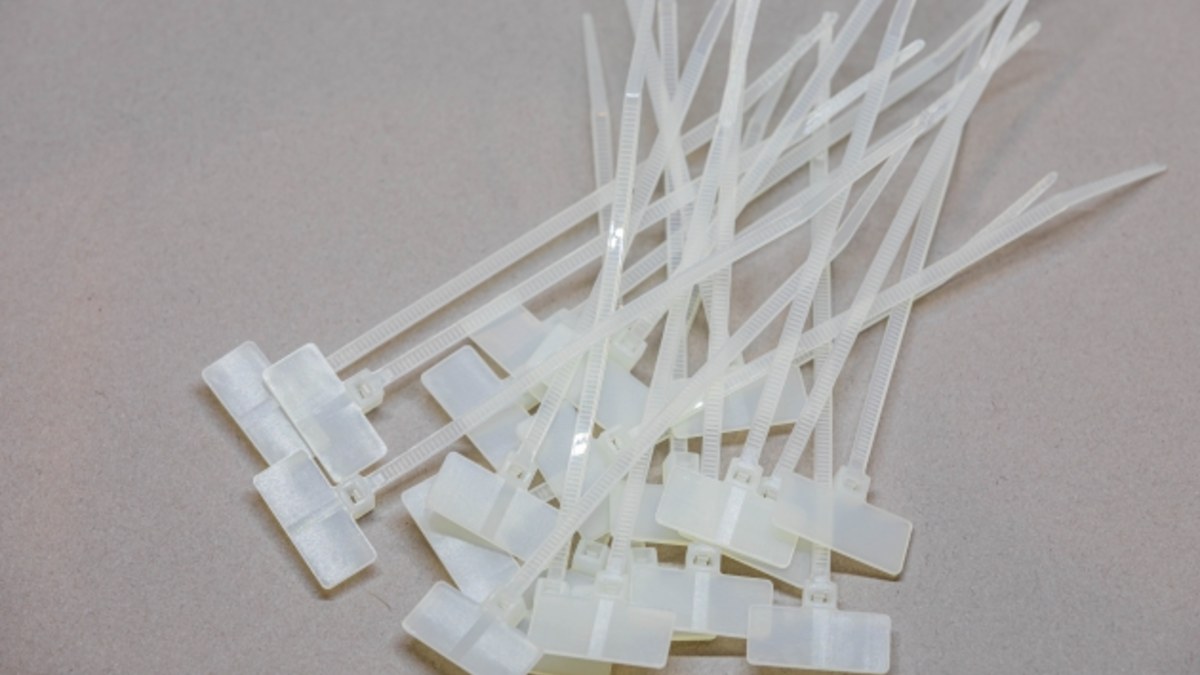
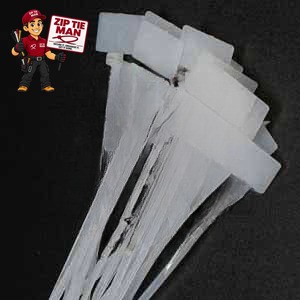
- Label every run. White zip tie markers have a write-on tag (9 x 20mm on the 2.5 x 100mm size). Write the circuit or port with a permanent marker.
- Code by colour. Colour zip ties in 11 colours mark circuits, floors or clients at a glance.
- Fix runs to the frame. Mountable zip ties screw to a panel or frame; adhesive mounts suit enclosures where you cannot drill.
- Separate power and data. A double head tie holds the two runs side by side with a gap between them.
Electrical work on fixed wiring must be done by a licensed electrician. These tips are for tidying runs, not for doing the wiring itself.
How tight should zip ties on cables be?
Tight enough that the bundle holds its shape, loose enough that a lead can still slide a little. If the tie dents the insulation, it is too tight. On long runs, a zip tie gun gives every tie the same tension. Our guide on how to use a zip tie covers tension by job.
Mistakes to avoid
- Bundling too tight: squashes data cables and makes leads hard to remove.
- No slack at the plug: every tug pulls on the socket.
- Tying everything into one bundle: group by destination, so you can change one device without undoing the lot.
- Leaving sharp tails: cut flush, every time.
- No labels: a tidy rack without labels is still hard to work on.
Common questions
What size zip ties for cable management?
2.5mm ties for desk, TV and PC cables; 3.6mm or 4.8mm for heavier power looms and switchboards.
Are zip ties or hook-and-loop straps better for cables?
Zip ties hold firmer, cost less and suit runs that stay put. For leads you move often, use releasable zip ties, which open and close again.
Can zip ties damage cables?
Only if they are pulled too tight. Keep them snug, and use light tension on data and network cables.
Written by the team at Zip Tie Man, an Australian zip tie supplier since 2016.
Browse zip ties in every size, or read what a zip tie is and how it works.
Featured image: Santeri Viinamäki, CC BY-SA 4.0, via Wikimedia Commons (cropped).